We are excited to announce a major upgrade to NovelistAI: a complete AI image editing suite, paired with a brand-new lineup of image generation models. Instead of re-rolling random covers until one fits, you can now take any image and guide the AI to change exactly what you want, while keeping the rest of the design intact.
Edit Any Image with Plain-Language Instructions
The Image Studio now offers two modes: Generate for creating new images from scratch, and Edit Image for refining an existing one. You can pick any image from your gallery or upload your own file in PNG, JPG, or WebP (up to 10 MB). This means external artwork and references can finally be edited with the same AI tools you use for generation.
Once an image is loaded, you describe the change you want in natural language. Ready-made presets make this even faster:
- Match visual style — align new images with the look of your existing covers
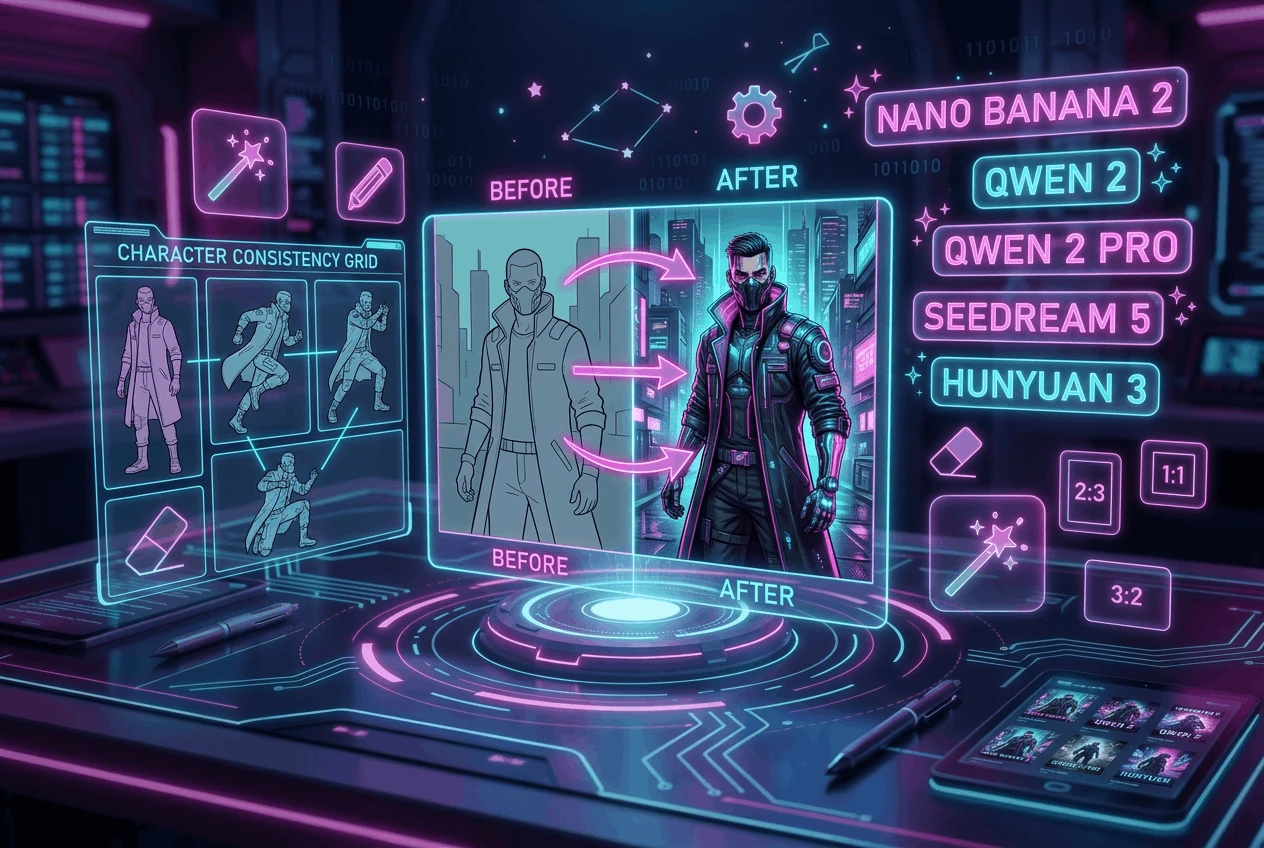
- Character consistency — keep the same character identity across different scenes
- Cover title text — add or restyle the title on a cover
- Add element or Remove / clean — introduce or erase objects, text, and background details
- Composition, lighting, and mood — reframe, relight, or shift the tone of an image
- Polish — improve sharpness, detail, and overall finish
Character Consistency Across Scenes
One of the biggest challenges in AI image generation has always been keeping the same character recognizable from scene to scene. With the new Edit mode, you can upload a reference photo and generate new illustrations where the same character appears with the same face, outfit, and identity — across different settings, poses, and lighting. This is a game-changer for illustrated books, children's stories, gamebooks, and series.
Five New AI Image Models
Alongside the Edit suite, we are launching five new image models, each tuned for different needs:
- Nano Banana 2 — our new top-quality model, with exceptional detail and text rendering (15 credits)
- Qwen 2 Pro — premium edit-capable model for high-quality results (10 credits)
- Qwen 2 — lighter and faster, perfect for quick iterations (5 credits)
- Seedream 5 — the latest Seedream, ideal for cinematic and photorealistic styles (5 credits)
- Hunyuan 3 — balanced composition and style flexibility (10 credits)
All five models are edit-capable, so you can combine them with your reference image and instructions to get exactly the result you want.
Cover, Page, and Aspect Ratio Control
The Image Studio lets you save the result directly to your book Cover or any specific page, keeping everything organized. You can choose between vertical (2:3) for covers, horizontal (3:2) for story pages, and square (1:1) for social media and illustrated inserts.
The new AI image editor and all five models are live now on NovelistAI. Open the Image Studio, switch to Edit Image, and try a preset — or write your own instructions and see what happens.